Confirm the package before you design the file
Start with the object that will actually be produced. Record the package type, dimensions and whether those dimensions are internal or external. Note which surfaces are intended for print and whether the project has more than one size or version.
This sounds basic, but it prevents a common kind of confusion: a designer keeps working from an older box, insert or size while the physical specification has already changed. Keep the agreed specification beside the artwork brief so the file can always be checked against the right product.
If the structure depends on an insert or on the way products sit inside the pack, settle that relationship early. A late structural change can affect more than the outside dimensions; it can change panel proportions, opening sequence and where important artwork belongs.
Treat the dieline as a physical object
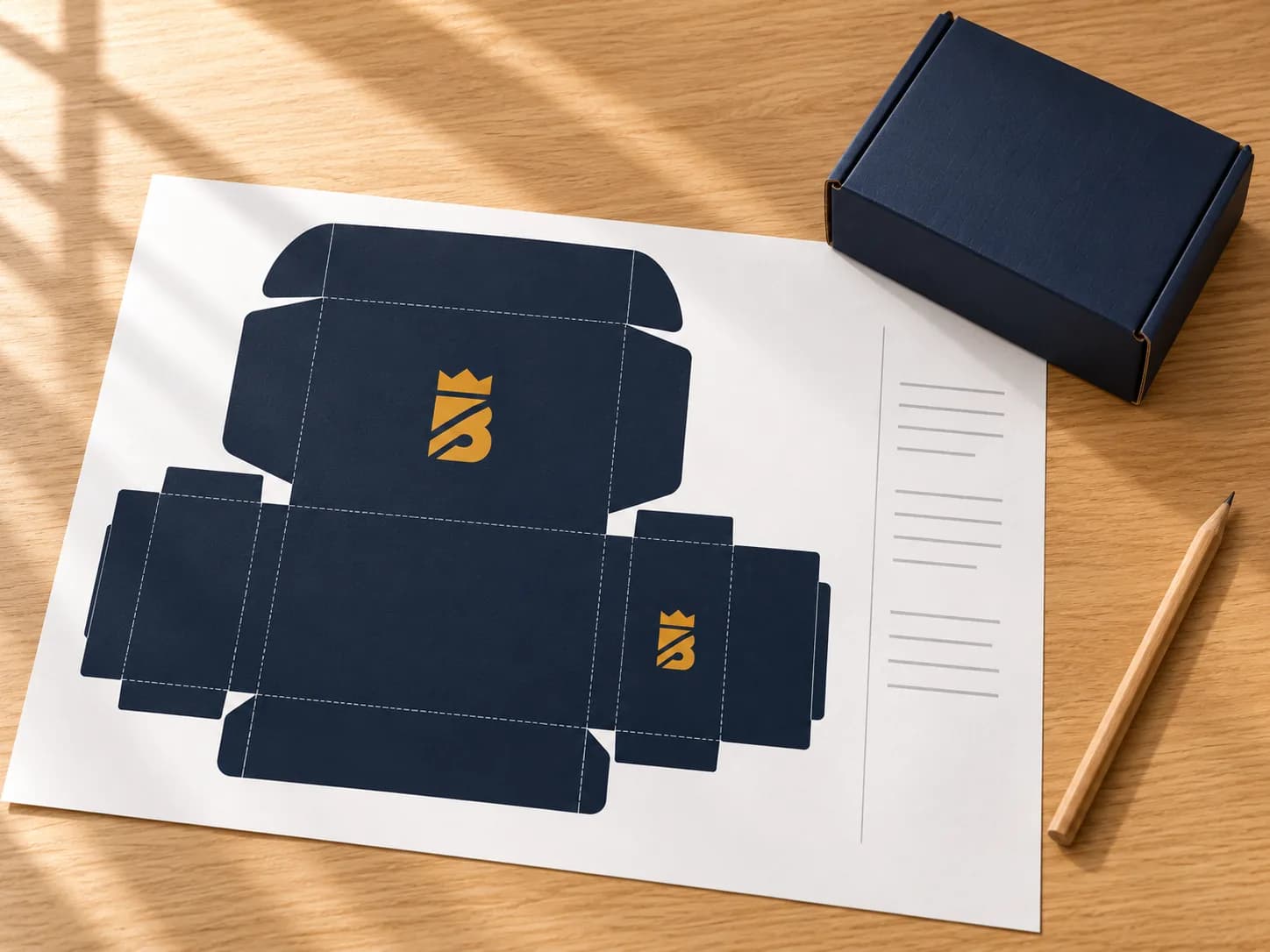
A dieline is not simply a background for graphic design. It describes where a flat sheet will cut, fold and eventually become a three-dimensional package. Ask for the template that belongs to the agreed product and dimensions rather than adapting a file from a similar-looking package.
Before placing final artwork, identify the front, back, top, bottom, side panels and any inside print areas. Then mentally fold the package. A message that looks upright on a flat artboard can end up rotated or hidden once the box is assembled.
Follow the production instructions supplied for that specification. Bleed, clear areas, color setup and template-layer requirements can vary by supplier and production method, so do not turn a previous project's settings into a universal rule.
Build one controlled artwork set
Collect the best available source logo, approved graphics, color references and final text before the review becomes a chain of email attachments. Use clear file names and keep obsolete exports outside the approval set.
When several sizes or versions are involved, make the differences obvious. A small label, different language, barcode or product claim can be easy to miss when the visual layout is otherwise identical. A simple version list is often more useful than relying on memory.
The business responsible for the product should verify required product wording, legal statements, barcodes and symbols. A packaging artwork review can check placement and production readiness, but it should not be treated as regulatory approval of the product itself.
Review the proof for a specific decision
A proof is most useful when the reviewer knows what they are approving. Check the version, spelling, panel placement, orientation and intended print areas. Record who has authority to approve the artwork and how changes are requested after review.
A digital proof is not a physical sample. It can help confirm layout and version control, but it does not automatically prove texture, structural fit or every printed color outcome. If one of those physical qualities is important to the decision, ask what sample or production reference is appropriate.
Prepare a handoff another person can understand
A clean handoff should let someone who was not part of every design conversation understand what the file belongs to. Include the artwork filename, revision, package specification and any open questions. If only one part of a multi-version set has changed, identify the affected files rather than resending an unexplained folder of exports.
It is also worth checking what will happen after printing. Shipping labels, tape, stickers or packing sleeves can cover artwork that looked unobstructed in the design file. If the presentation depends on a specific opening sequence, explain that in the project brief.
06 · Checklist
What to send with your inquiry
You do not need a perfect production file before starting the conversation. A useful first handoff can include:
Tick what you already have
Bring the stage you are actually at. Branding Czars can review the brief around the package, artwork and remaining decisions instead of pretending every project begins with a finished file.